TMMD
Markdown behind frosted glass
One installer. Fully offline. Nothing leaves the machine.
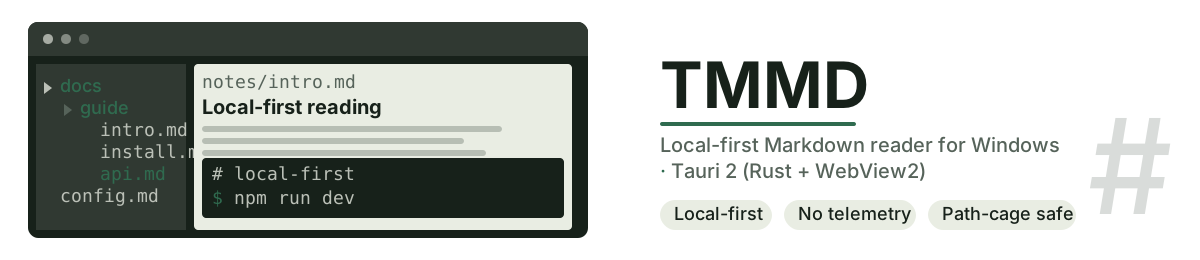
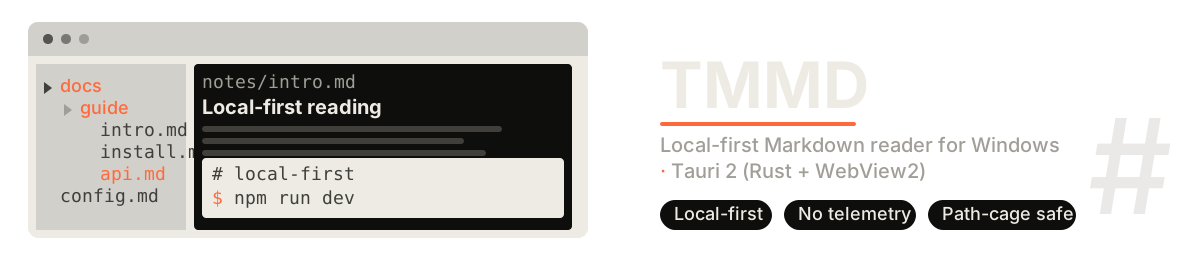
A transparent local-first Markdown reader for Windows, built on Tauri 2 — Rust and WebView2, not Electron. Your folders stay your folders: it reads files straight off the disk behind a path-cage, with no cloud, no telemetry and no account.
GLASS 40% · TEXT SHADOW 35% — measured 5.45:1
A reader that behaves like a window, not a service.
Open a folder — or drag a .md file into the window — and read. The window is frameless acrylic, the document is yours, and the app has no opinion about where your files should live.
STACKTauri 2 · Rust + WebView2
SIZE3.2 MB installer
NETWORKonly when you check for updates
Several roots, one sidebar.
Register as many local folders as you like as document roots; each gets its own file tree with a directory outline. Browser-style tabs remember the session, recents remember what you touched, and stars remember what you meant to come back to.
ROOTSseveral local folders, side by side
TREEfile tree + directory outline
TABSsession restore · recents · stars
Where you stopped is where you start.
Every file remembers its own position. The outline follows your scroll, the reading map shows the chapter you are in as a metro line, Ctrl+F finds inside the document, and a ranked search sweeps the whole library grouped by file. Focus and immersive modes take the furniture away.
RESUMEper file, automatically
FINDCtrl+F in document
SEARCHlibrary-wide, ranked, grouped
Transparent, with a legibility floor.
Three atmosphere presets, a tint picker and an adjustable legibility floor. When Windows transparency effects are off — or high-contrast mode is on — the window falls back to solid on its own instead of turning into soup.
TEXT SHADOW 35%measured 5.45:1
TEXT SHADOW 100%measured 13.57:1
WORST CASE2.67:1 at 40% over the brightest wallpaper — the slider is the way out
SET IN TYPEFIG. 02
Markdown behind frosted glass
Markdown behind frosted glass
Markdown behind frosted glass
Markdown behind frosted glass
Three faces, all self-hosted — 14 WOFF2 subsets, no CDN, no image on this plate.
Edits that cannot eat your file.
Inline editing writes atomically and keeps CRLF and BOM exactly as they were. If the file changes underneath you, it stops and asks. Closing with unsaved work offers save, discard or cancel. Typewriter scrolling keeps the caret near the top third where your eyes already are.
WRITESatomic · CRLF/BOM preserved
CONFLICTexternal change detected, then asks
GUARDclose guard · per-tab undo
Take the document with you. Keep the app current.
Export a self-contained HTML with every image inlined as a data: URI, or go straight to PDF through headless Chromium with no extra dependency. The app updates itself: check, download, verify SHA-256, install silently — with no third-party updater underneath.
HTMLsingle self-contained file
PDFheadless Chromium, no add-ons
UPDATEin-app · SHA-256 verified
The rest of the manners.
- GitHub-flavoured Markdown via marked, maths via KaTeX, code highlighting via highlight.js, footnotes with no dependency
- Three palettes — charcoal, gruvbox, paper — with light and dark, and UI in 中文 / English / 日本語
- Window geometry remembered in physical pixels per monitor, opens on the display it was last on
- No child process ever flashes a console window
- Tray icon: show, hide, quit — and quit still honours the unsaved-changes guard
- Adjustable line width, line height and body font, plus focus and immersive modes
v1.8.17 — 2026-10-26
- Every string now follows the interface language — hooks on the markup, 337 keys, and zero Chinese left behind when you switch to English or Japanese
- PDF export produces a real page: the file carries its own page colour, printing is dark ink on white, and a previous export can no longer be mistaken for success
- 198/198 automated checks green across four suites
Windows 10 / 11 · x64
Only the NSIS installer is published as a release asset; the MSI is produced by your own build.